
Creativehone History Widget for Elementor
Easily showcase your brand, company, or project milestones with the History Widget by Creativehone. This widget helps you design beautiful timelines and history sections without coding.
🔧 How to Use
- Install & Activate the Creativehone History Widget plugin on your WordPress site.
- Go to your page or template and open it with Elementor Editor.
- In the widget search bar, type “Creative” or “History”.
- Drag & drop the History Widget onto your page.
- Customize text, images, and styles to match your website design.
- Save & publish your page – your timeline is ready!
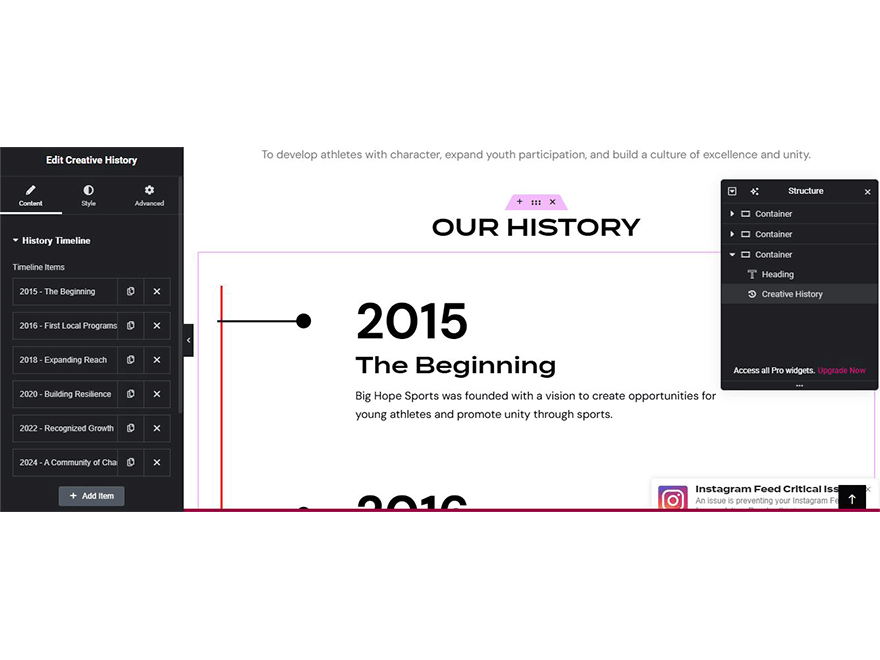

These image will help you to more!