

Why I need to develop elmentor widget?
Using HTML and CSS, I first created a template according to a client's specifications. My boss then asked me to use the same design on other websites on several occasions. Repeatedly copying and creating the same code gets annoying. In order to save time and facilitate the use of this fantastic timeline widget by other developers, I had the idea to create an Elementor widget plugin. In order to learn how to make a custom widget, I began reading the Elementor manual.
After Developing the Plugin
I believed that my issue had been resolved after creating the plugin. But I quickly got tired of having to manually upload the plugin files to various websites. At that point, I had the thought, "Why not publish my plugin on WordPress like other developers do?"
The actual journey started now: creating the WordPress plugin. In order to learn how to publish a plugin to the platform, I carefully reviewed the WordPress instructions after creating an account with my personal information.
I was able to gradually improve my plugin by using the Plugin Checker, which was really useful in pointing out my errors.
Plugin Checker Insights
When I activated the plugin, a few issues appeared, as described below:
- Each plugin must be uniquely identified by its name.
- Avoid extra coding.
- It pointed out the exact line and details of what was missing
Since I’m new to this, the plugin guide showed me what was missing.
- Initially, the readme.txt file was missing. After learning about it, I added the required code using the instructions from the readme.txt guide.
- 'License: GPLv2 or later' I don't have idea about it before. Then I leaned from this link and further proceed.
To search my plugin used these tags: elementor, history, creative, widget, search, creatihone, tosisoft
After completing the plugin, I created a WordPress account to publish it, since I developed it both for my own convenience and for others to use.
Journey After Plugin Submission
After 14 days, WordPress sent me an email expressing gratitude for submitting my plugin, Creativehone History. Being acknowledged for the work I did to post it felt wonderful.
Then they explained the issues and why my plugin wasn’t approved.
- Your email domain "gmail.com" does not seem to be related to any of the URLs, names, trademarks and/or or services declared in the plugin. Then I have changed to my domain mail.
- ⚠️ Please do not resubmit this plugin as another account. Doing so will result in both submissions being rejected and your accounts suspended until we can sort things out.
- The 'assets' folder existed inside my plugin directory by default. They guided me to remove this folder from the plugin and place it in the WordPress directory instead, so I updated the directory accordingly.
- I made a GitHub account, uploaded the plugin files there, and provided the GitHub repository link in the readme.txt file because I didn't have a public source directory for my files.
- The 'Short Description' section of the readme.txt file was truncated due to its excessive length. There is a character limit of 150.
- Since the function name "register_list_widget" was used everywhere, I had to change it to reflect the name of my plugin.

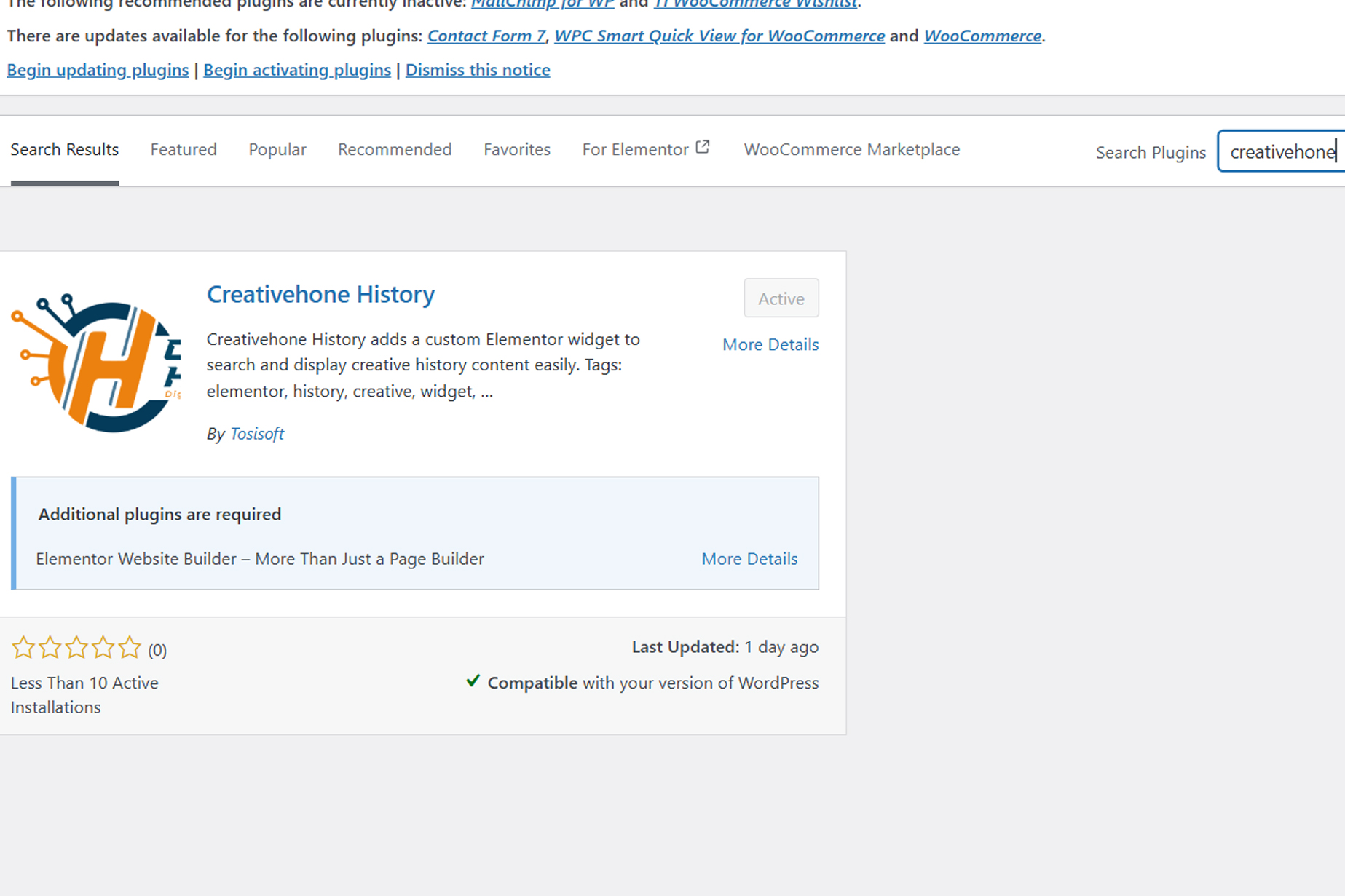
Upload Again with Latest Version
I changed the plugin’s version before uploading it again, because keeping the same version causes WordPress to show that the plugin already exists.
Your review has been successfully completed
Reading this message made me very happy. My plugin was finally accepted and is now functional on WordPress. Once again, I want to thank the WordPress Team for their help.